Rigging Tool
Meta Echo
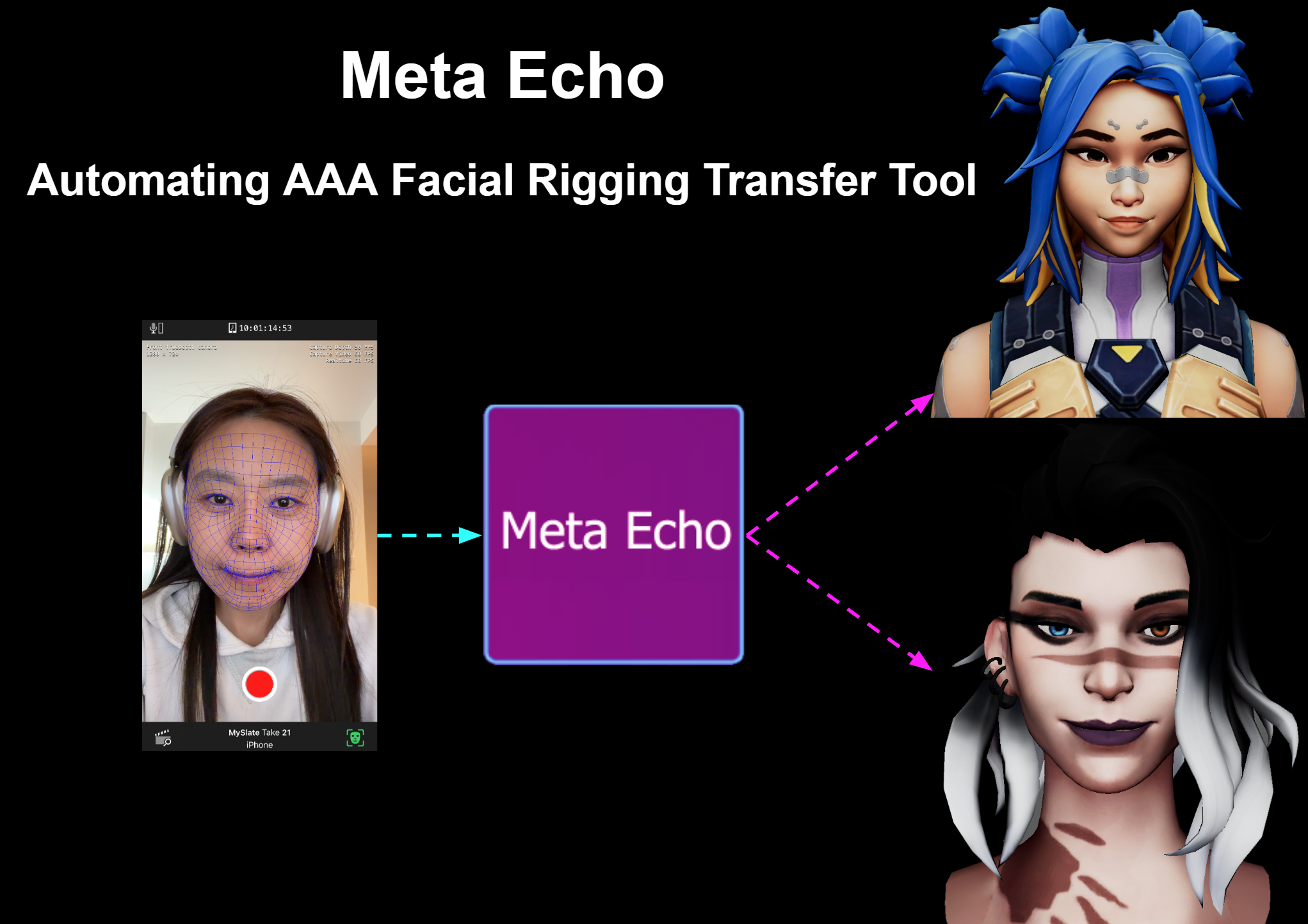
Automated facial rigging from MetaHuman to custom characters. Meta Echo helps developers without rigging or animation expertise transfer high-quality facial performance to stylized characters and drive them through Unreal Live Link.
Problem
MetaHuman delivers strong facial performance through Live Link, but most developers cannot manually key high-quality facial animation. Traditional facial rigging is difficult, slow, and requires specialized rigging or animation skills.
Solution
Meta Echo connects cartoon and custom characters to MetaHuman-style facial rigs. The tool automates the core rigging workflow so a developer can quickly generate facial joints, transfer weights, constrain the new skeleton, and use MetaHuman animation data to drive the target character.
Core Method
RBF-Based Retargeting
The core engine is based on Radial Basis Function interpolation, inspired by the SIGGRAPH 2000 paper Pose Space Deformation. Unlike simple linear rigging, RBF supports non-linear deformation, which is important for facial expressions because face motion is curved, complex, and topology dependent.
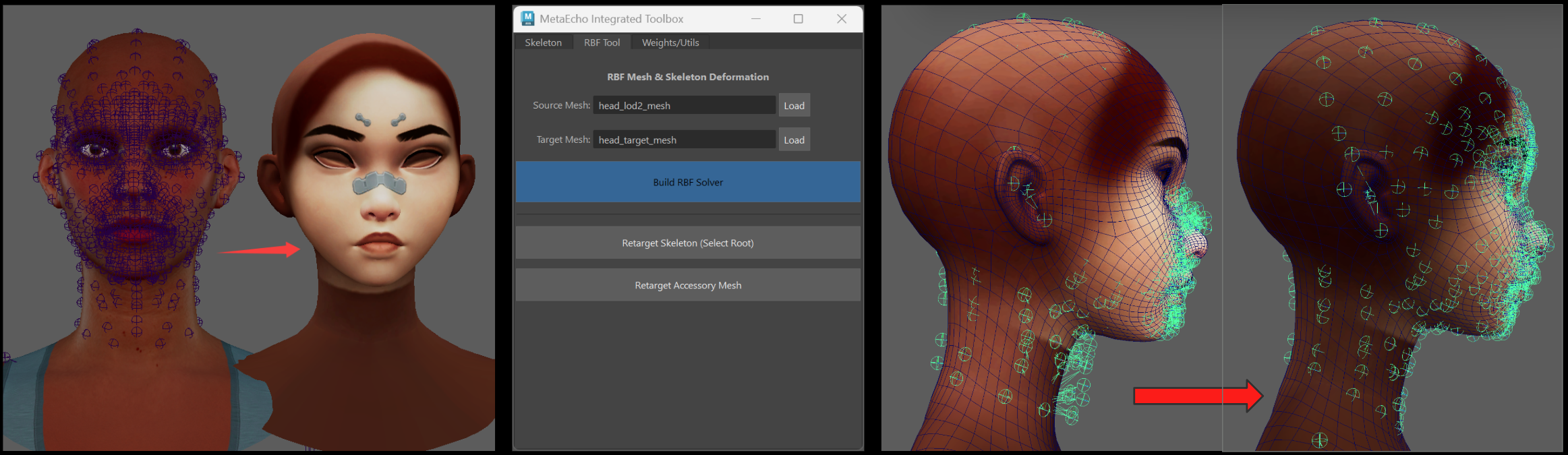
In Meta Echo, the RBF solver acts as a mathematical bridge between the MetaHuman source mesh and a custom target mesh. It builds a mapping matrix that helps transfer rigging structure and animation behavior across different facial proportions and mesh topologies.
Workflow
Automated Rigging Pipeline
1. Load Source and Target
Load the original MetaHuman head as the source and the custom cartoon face as the target.
2. Build Solver
Generate the RBF mapping matrix that bridges the source and target meshes.
3. Retarget Skeleton
Select the source skeleton and target mesh, then generate new joints that fit the custom character.
4. Bind and Copy Skin Weights
Bind the target mesh to the generated joints and transfer professional MetaHuman skin weight data.
5. Joint Constraint
Connect MetaHuman animation data to the generated skeleton through constraint logic.
6. Drive with Live Link
Use the GUI panel or Unreal Live Link Control Rig data to drive the cartoon character with synced facial animation.
Environment
Requirements and Usage
- Autodesk Maya with Python support
- Python packages:
numpy,scipy - MetaHuman source project
- Unreal Engine Live Link facial animation workflow
import metaEcho_RunTool

tool = metaEcho_RunTool.MetaEchoFullToolbox()
tool.show()